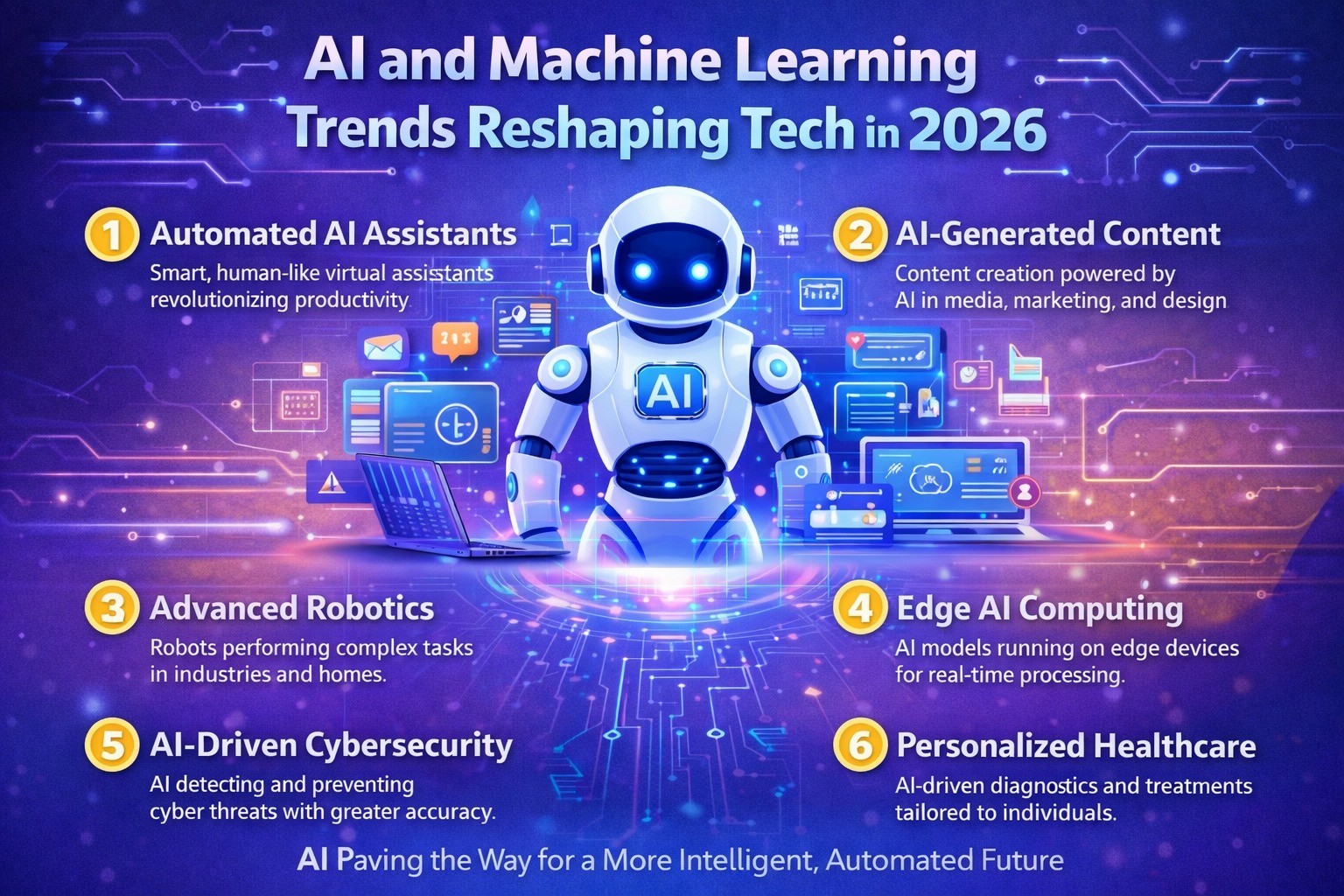
The Future is Now: 7 AI and Machine Learning Trends Reshaping Tech in 2026
7 min read • Technology Trends

You’ve built a few to-do apps. You’ve followed tutorials. But that itch to create something real—a live web application that people can actually use—is getting stronger. The bridge between learning to code and building that real-world project often feels vast. What if I told you that two technologies, working in harmony, can be that bridge? Welcome to the powerful, accessible, and incredibly popular combination of React and Node.js. This isn't just another tech trend; it's the foundation countless developers use to bring their ideas to life. Let's demystify how they work together and how you can start building your own modern web apps today.
Before we see why they’re better together, let's understand them individually.
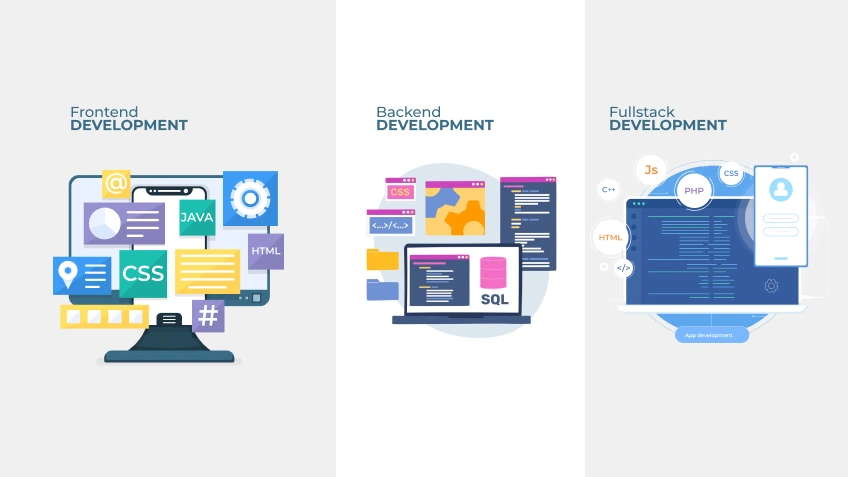
React is a JavaScript library for building user interfaces. Created by Facebook, it’s all about creating the "frontend" — the part of the app users see and click on. Think of it as a super-efficient factory for making interactive website components. Instead of manually updating bits of HTML, you describe what your UI should look like for any given state, and React automatically updates it when data changes. It’s component-based, meaning you build your app like LEGO bricks, making code reusable and easier to manage.
Node.js is a JavaScript runtime environment. It lets you run JavaScript code outside of a browser, on a server. Before Node.js, JavaScript was just for the browser. Node.js unlocked the ability to use JavaScript for the "backend" — the server-side logic, database connections, and user authentication. It’s fast, efficient for handling many simultaneous connections, and uses an event-driven model.
So, why do these two get along so famously? It boils down to a few key advantages:
Let’s visualize how a React + Node.js app works. Imagine a simple task management app.
/api/tasks) that the frontend can call.GET request to https://yourapp.com/api/tasks.This clean separation of concerns is key. The frontend handles the UI and user interaction. The backend handles data, business logic, and security.
Beyond React and Node.js themselves, here’s your starter pack:
GET /tasks, POST /tasks) straightforward and clean.fetch API or libraries like axios in your React app to call your Node.js backend.useState and useContext are enough. For more complex apps, TanStack Query (for server state) and Zustand or Redux Toolkit (for global client state) are popular.Ready for a practical roadmap? Here’s how to build a simple "Feedback Collector" app.
POST /api/feedback, GET /api/feedback.npm init -y.npm install express.index.js file, set up a basic Express server, and define your two API endpoints. Use a simple array to store data for now (later, connect a database).npm create vite@latest feedback-client -- --template react.axios: npm install axios.POST request to your running backend.GET request).localhost:5173. Your Node app runs on localhost:3000. You’ll need to configure CORS in your Express app to allow requests from the frontend origin.useState), effects (useEffect), props, and hooks.Mastering React and Node.js opens the door to high-demand roles:
The market for these skills remains robust. Full-stack developers with proven project experience command excellent starting salaries and have immense opportunities for growth.
console.log: It’s your best friend. Log data in your React components and Node.js routes to see what’s happening.Building modern web applications with React and Node.js is less about being a genius and more about being a persistent, curious builder. You now have the map: a frontend library, a backend runtime, and a universe of tools to connect them. The architecture might seem complex at first glance, but when you break it down into small steps—an endpoint here, a component there—it becomes an incredibly logical and rewarding process. Start small, celebrate each working feature, and watch as your simple feedback form slowly evolves into the complex, real-world app you’ve been dreaming of building.
1. Do I need to learn other backend languages, or is Node.js enough?
Node.js is absolutely enough for a successful career. It's powerful and used by thousands of companies. Learning a second language like Python or Go can be beneficial later for specific problems, but it's not a requirement to start. Depth in the JavaScript/Node ecosystem is highly valuable.
2. What’s better for a beginner: MongoDB or a SQL database like PostgreSQL?
Both are fine! MongoDB can feel easier initially because its data format (JSON-like) aligns well with JavaScript. However, learning basic SQL and PostgreSQL is also a tremendous skill. My advice: start with one. Understand how to connect, create, read, update, and delete data. The core concepts transfer between them.
3. How do I handle user authentication (login/signup) in a React + Node.js app?
A common and secure approach is to use JSON Web Tokens (JWT). Your Node.js backend has a /login endpoint that verifies credentials and issues a signed token. Your React frontend stores this token and sends it with future requests to access protected API routes. Libraries like bcrypt (for hashing passwords) and jsonwebtoken are your friends here.
4. Is the MERN stack still relevant in 2026?
Yes, but think of it as a flexible blueprint rather than a rigid rule. The core idea—React frontend, Node/Express API, and a database—is more relevant than ever. The specific database (MongoDB vs. PostgreSQL) or the use of additional tools (like TanStack Query) may vary, but the architectural pattern is a modern standard.
5. I get CORS errors when connecting my React frontend to my Node backend. What do I do?
CORS (Cross-Origin Resource Sharing) is a browser security feature. Your frontend (on localhost:5173) and backend (on localhost:3000) are different "origins." You must explicitly allow this in your Express app. Use the cors npm package (npm install cors) and add app.use(cors()) in your server code. For production, you can configure it to only allow your specific frontend URL.
7 min read • Technology Trends
6 min read • UI/UX Design
18 min read • Web Development

15 min read • Web Development